1.5. Introduction to QGIS
Among the available free and open source GIS software, QGIS is the most popular and widely used desktop GIS application. The development of QGIS (formerly Quantum GIS) started in early 2002 and it is still ongoing thanks to the collaborative effort of a large community of developers and users, under the advocacy of the Open Source Geospatial Foundation (OSGeo). The core of QGIS software is written in the C++ programming language and runs on Unix, MacOSX, and Microsoft Windows operating systems. The software is periodically updated through regular releases and bug fixes from volunteer developers coordinated by the QGIS project board.
QGIS provides a graphical user interface (Fig. 1.5.1) and it supports a wide variety of data types and formats as well as connection to online GIS resources through OGC services. Many functionalities for map creation and spatial data analysis are integrated into QGIS and can be accessed directly from the software interface. The possibility of accessing the source code allows to extend or customize the software as needed for specific GIS tasks. Furthermore, QGIS integrates with other free and open source GIS packages that enable users to extend the capabilities of the software also without any programming skill.
QGIS software can be downloaded from the official QGIS website by selecting among the available installation packages the one for your operative system. It is always suggested to work with the Long Term Release (LTR) version of the software that is the current stable and best-maintained release of QGIS.
Important
To continue with the lecture, you are requested to download and install QGIS on your computer (QGIS LTR version is suggested)
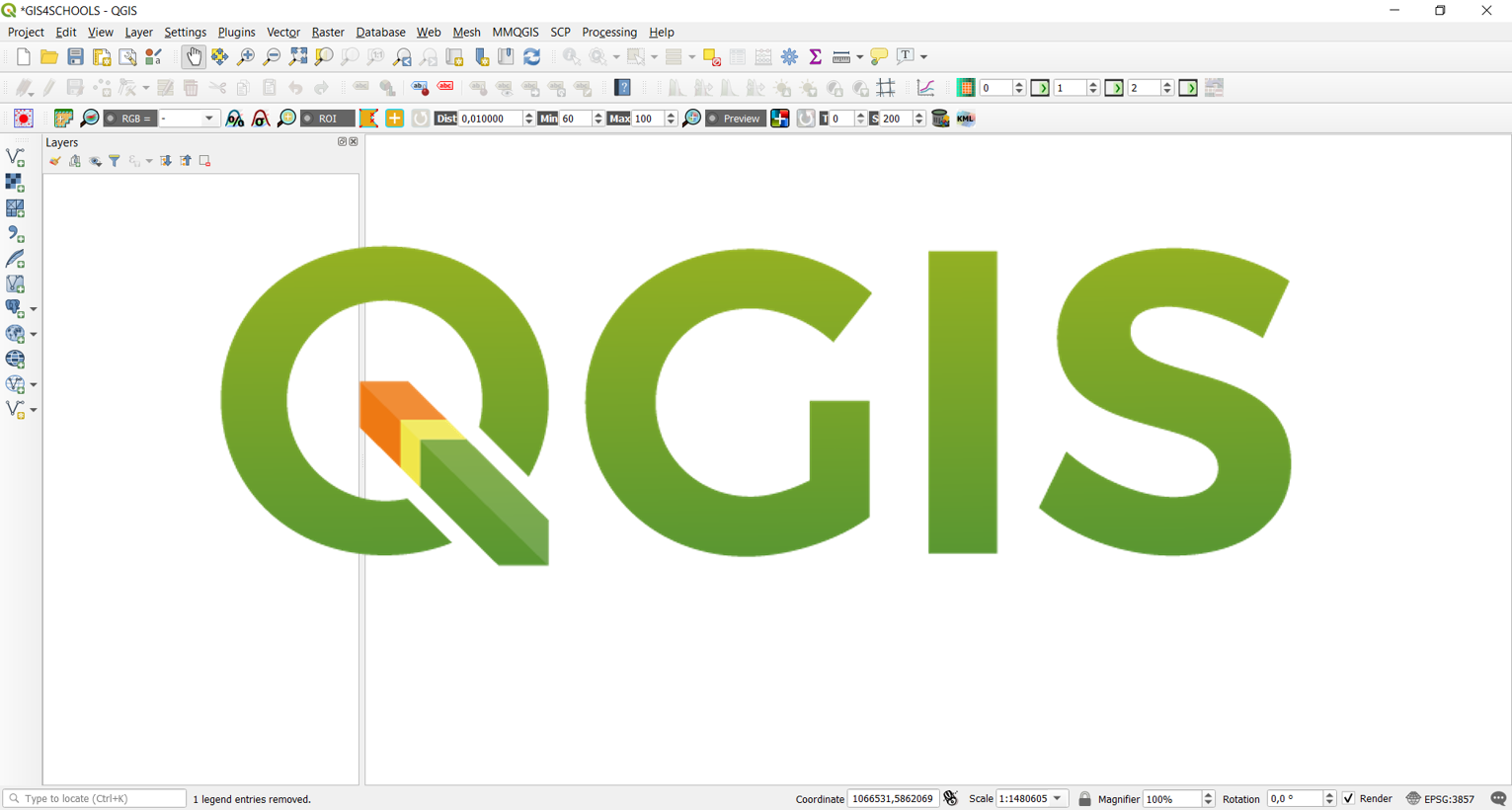
Fig. 1.5.1 – QGIS main graphical user interface with logo